
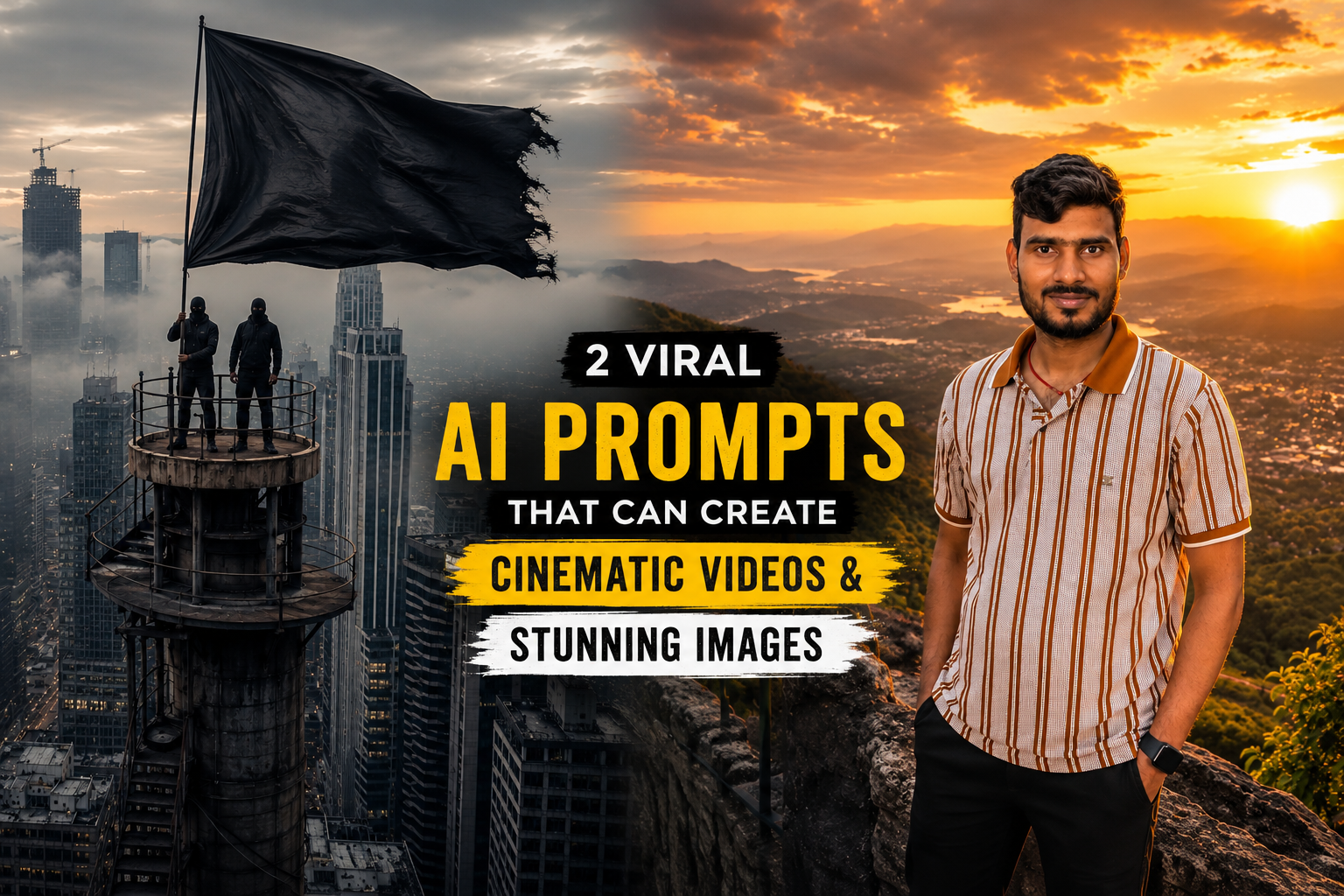
Artificial Intelligence has completely changed the way content is created online. Whether you are a blogger, YouTuber, Instagram creator, digital marketer, or business owner, AI tools can help you create professional-quality content in minutes. Among the most popular AI tools available today, Google Gemini has become a powerful solution for generating ideas, writing content, creating visuals, and crafting advanced prompts for AI image and video generation.
The secret behind creating impressive AI content is not just the tool itself—it is the prompt. A well-written prompt can transform an ordinary AI output into a stunning image, cinematic video, or viral social media post.
In this guide, you will learn what Google Gemini prompts are, how they work, best practices for writing effective prompts, and two viral prompts that are currently trending among content creators.
What Are Google Gemini Prompts?
Google Gemini prompts are instructions that users provide to the AI. These instructions tell Gemini exactly what type of content to generate.
For example, instead of writing:
“Create a travel photo.”
You can write:
“Create a luxury travel portrait of a traveler standing on a mountain viewpoint during sunset with cinematic lighting, realistic clouds, warm golden sunlight, DSLR-quality photography, and ultra-realistic details.”
The second prompt provides significantly more information, allowing Gemini to produce a much better result.
The quality of the output depends heavily on the quality of the prompt.
Why Good Prompts Matter
Many users believe AI tools automatically generate perfect results. In reality, the quality of AI-generated content depends on the instructions given to the model.
A detailed prompt helps AI understand:
- The subject
- The background
- The environment
- The lighting
- The camera angle
- The style
- The mood
- The quality level
The more specific your prompt is, the more professional the result becomes.
Benefits of Using Google Gemini Prompts
There are several reasons why creators are increasingly relying on Google Gemini prompts:
Faster Content Creation
Instead of spending hours designing visuals or writing descriptions, AI can generate content within minutes.
Better Creativity
Gemini can help users brainstorm new ideas and creative concepts.
Professional Results
Detailed prompts can produce content that looks professionally designed.
Higher Engagement
High-quality visuals and videos often receive better engagement on social media platforms.
Improved Productivity
Businesses and creators can scale content production without significantly increasing costs.
How to Write Effective Google Gemini Prompts
Creating a successful prompt is a skill. Here are some proven techniques that can improve your results.
1. Clearly Define the Subject
Always mention who or what should appear in the image or video.
Example:
“A young traveler standing on a mountain viewpoint.”
2. Describe the Environment
Provide details about the surroundings.
Example:
“Overlooking a vast valley during sunset.”
3. Mention Lighting
Lighting dramatically affects visual quality.
Examples:
- Golden hour lighting
- Soft natural light
- Cinematic lighting
- Neon city lights
4. Specify Camera Perspective
Camera angles can completely change the feel of a visual.
Examples:
- Wide-angle shot
- Close-up portrait
- Drone view
- Cinematic zoom-out
5. Add Quality Keywords
These terms help generate more polished outputs.
Examples:
- Ultra realistic
- Photorealistic
- 8K quality
- DSLR photography
- Professional composition
Viral Prompt #1: Cinematic Tower Flag Video
One of the most viral AI video concepts currently involves dramatic urban environments and cinematic camera movements. Videos featuring tall structures, city skylines, and realistic atmospheric effects often perform exceptionally well on social media platforms.

Use the following prompt:
Prompt:
Why This Prompt Works
This prompt combines several powerful elements:
- Height and scale
- Urban atmosphere
- Cinematic movement
- Dramatic visuals
- Realistic environmental effects
These elements create visually striking content that attracts viewers’ attention within seconds.
Common Mistakes When Writing AI Prompts
Many beginners make simple mistakes that reduce output quality.
Avoid these errors:
Being Too Vague
Bad prompt:
“Create a nice photo.”
Better prompt:
“Create a cinematic portrait of a traveler standing on a mountain during sunset with warm lighting and realistic details.”
Ignoring Lighting
Lighting determines mood and realism.
Forgetting Camera Details
Camera perspective adds depth and professionalism.
Not Specifying Quality
Always include quality-related keywords.
Viral Prompt #2: Luxury Travel Sunset Portrait
Luxury travel content consistently performs well across Instagram, Pinterest, Facebook, and travel blogs. This style creates a premium visual experience that audiences love.

Use this prompt:
Prompt:

Why This Prompt Works
This prompt combines:
- Golden-hour lighting
- Luxury travel aesthetics
- Natural landscapes
- Professional photography techniques
- Realistic visual elements
The result is a premium-looking image that resembles high-end travel magazine photography.
Best Categories for Google Gemini Prompts
If you want to create engaging content regularly, consider these popular categories:
Travel Content
Travel visuals remain highly shareable and attractive.
Luxury Lifestyle
Luxury themes often generate strong engagement.
Cinematic Portraits
Professional-looking portraits perform well on social media.
Nature Photography
Beautiful landscapes are timeless and widely appreciated.
AI Storytelling Videos
Narrative-driven videos can capture audience attention.
Futuristic Concepts
Future cities and technology-inspired visuals are becoming increasingly popular.
Rain and Weather Effects
Rain scenes often create dramatic and emotional visuals.
Advanced Prompt Tips
If you want even better results, follow these advanced techniques.
Use Multiple Descriptors
Instead of saying:
“Beautiful landscape”
Try:
“Beautiful mountain landscape with lush greenery, mist-covered valleys, dramatic sunlight, and realistic environmental details.”
Add Mood and Emotion
Examples:
- Inspirational
- Mysterious
- Dramatic
- Peaceful
- Adventurous
Include Realistic Effects
Examples:
- Volumetric lighting
- Depth of field
- Atmospheric fog
- Motion blur
- Reflection effects
Specify Output Style
Examples:
- Cinematic
- Documentary
- Travel photography
- Hollywood-style
- Professional DSLR
How Bloggers Can Use Google Gemini Prompts
Bloggers can use Gemini prompts to:
- Create featured image ideas
- Generate social media content
- Produce video concepts
- Design thumbnails
- Develop article outlines
- Improve visual storytelling
This can save time while maintaining high content quality.
The Future of AI Prompting
As AI technology continues to evolve, prompt engineering is becoming an increasingly valuable skill. Users who learn how to write detailed and creative prompts will be able to generate higher-quality content and gain a competitive advantage in content creation.
Businesses, marketers, educators, and creators are already integrating AI prompting into their daily workflows. Understanding how prompts work today can help you stay ahead of future trends.
Conclusion
Google Gemini prompts are one of the most powerful tools for modern content creation. A well-crafted prompt can transform a simple idea into a stunning image, cinematic video, or engaging social media post.
The two viral prompts shared in this guide demonstrate how detailed instructions can dramatically improve AI-generated results. Whether you are creating travel visuals, cinematic videos, or social media content, learning the art of prompt writing can significantly improve your output quality.
Start experimenting with different styles, add more detail to your prompts, and continuously refine your instructions. With practice, you can create professional-quality AI content that stands out in today’s competitive digital landscape.